Unlock the Ultimate
Viewing Experience
Explore an unparalleled entertainment experience completely ad-free. Enjoy your own IPTV playlists on your preferred device with blazing fast performance.
Important Notice: Chroma IPTV media player app that does not provide content. You must add your own M3U playlist.
Why choose Chroma?
Built from the ground up to give you the fastest, cleanest IPTV experience possible.
Blazing Fast
Optimized ExoPlayer engine ensures instant zapping, no lag, and smooth playback.
Ad-Free UI
Zero interruptions. We believe your viewing experience should be completely ad-free.
Rich EPG
Full XMLTV support with native Catch-up detection so you never miss a show.
Ready to Upgrade?
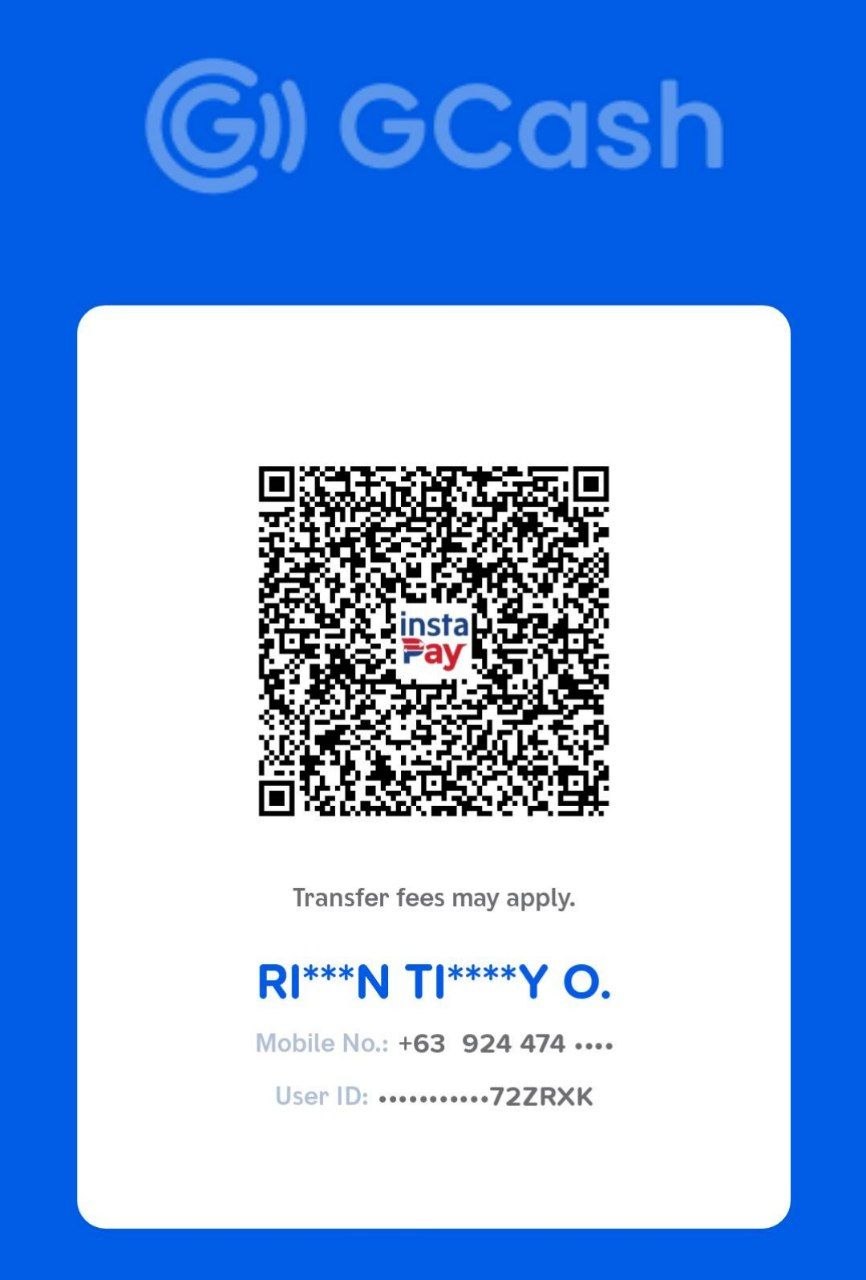
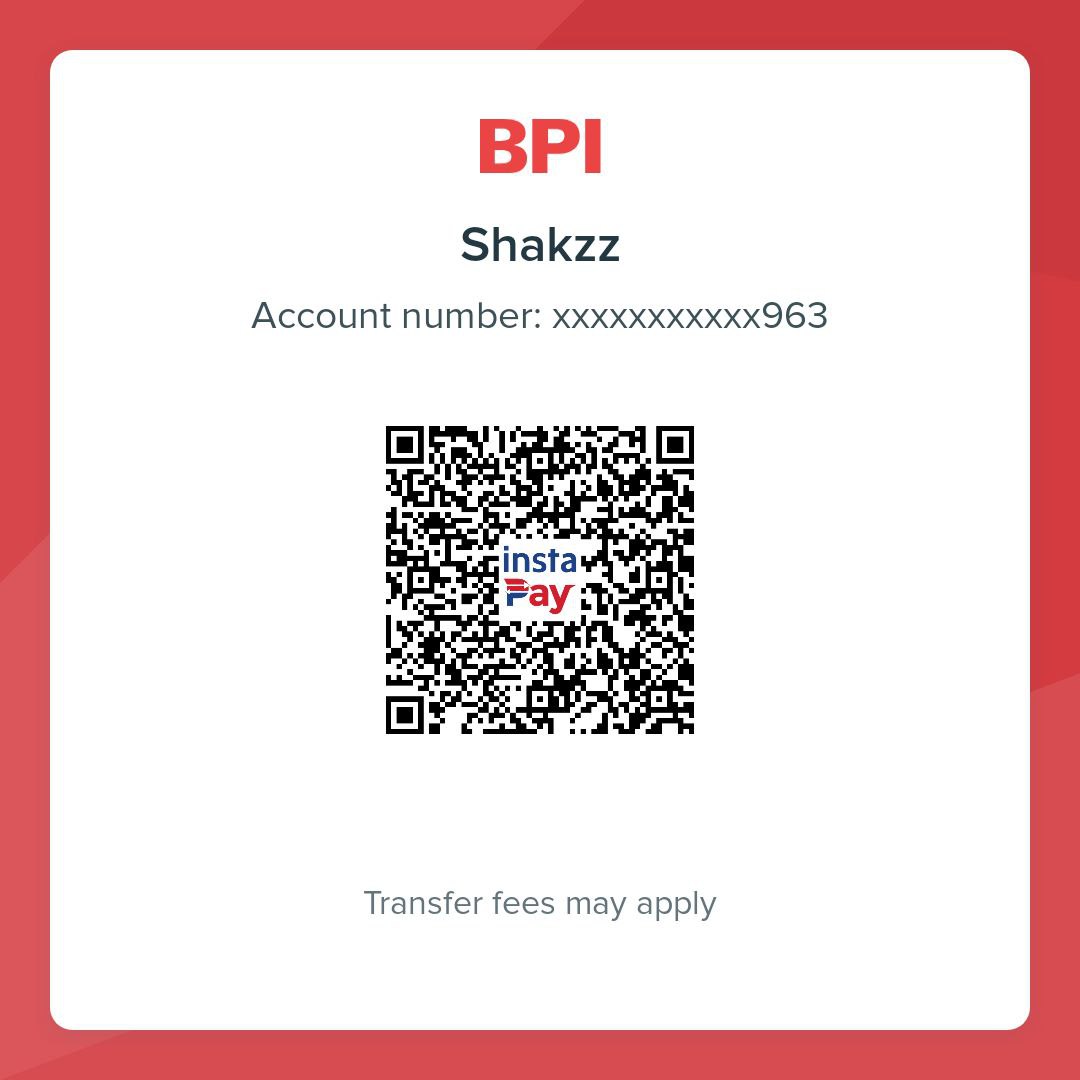
Send payment using your preferred method. Message us on Discord with your Device ID for activation.
GCash
BPI Bank
USDT (ERC20)
PayPal
Friends & Family only
Frequently Asked Questions
The Chroma IPTV app is a player for M3U and Xtream playlists. We do not supply content. You must add your own URL or local file to the app settings.
Purchase via GCash, BPI, PayPal, or Crypto listed above. Send your Device ID and payment proof to us on Discord for activation.
No, all sales are final. Because we offer a fully functional FREE version, test the app thoroughly before upgrading.
Once payment is sent, we upgrade your device on the cloud. Open the app, go to Settings > License, and click "Force Cloud Sync".
Chroma automatically detects Catch-up support from your provider. You will see a replay icon next to supported channels in the EPG.
Go to Settings > EPG and toggle "Enable EPG". You can use the native M3U links or add a manual XMLTV URL.
EPG data can take up space. Go to Settings > General and tap "Clear Cache", or reduce the "Keep past EPG" setting to 1 day.
Chroma is just a player. Buffering is usually caused by your IPTV provider's servers. You can try increasing "Buffer Size" in Settings > General.
We use ExoPlayer, supporting HLS, DASH, MP4, MKV, TS, and audio like AAC, AC3, and MP3.
Pro Licenses are synced to your unique hardware ID. Single licenses work for 1 device. Household licenses work for unlimited devices on the same WiFi.
App History
Version 1.2.0 Latest
April 24, 2026
- • Enhanced local data encryption and added strict security protocols to protect your playlist credentials.
- • Expanded Channel View: Condensed panel UI to fit more channels on-screen at once.
- • Rebuilt TV remote navigation to eliminate scroll jitter and rubber-banding.
- • Added processing indicators for massive playlists to prevent blank screens.
- • Resolved a critical focus bug when rapidly closing the side panels.
Version 1.1.0
April 14, 2026
- • Added Numpad support for fast channel jumping.
- • Drag-and-drop Favorite reordering enabled.
- • Fixed "Next Channel" display in OSD.
- • Resolved channel search stability issues.
Version 1.0.2
April 10, 2026
- • Redesigned Android TV navigation to prevent focus loss.
- • Fixed crashes when using 0s buffer sizes.
- • Added loading spinners for playlist saving.
Version 1.0.1
March 29, 2026
- • Added Picture-in-Picture (PIP) mode.
- • Improved EPG parsing speeds for massive lists.
Version 1.0.0
March 15, 2026
- • Initial stable release of Chroma IPTV.
- • Native Google Cast integration.
- • Cloud-based license verification system.